⇆
Profiles
Work, play, focus. The same 26 letters, three sets of apps. Space + Right Alt switches.
Spaceadom turns the biggest key on your keyboard into an app launcher. No taskbar hunting. No typing names. Space on its own still types a space.
winget install spaceadom
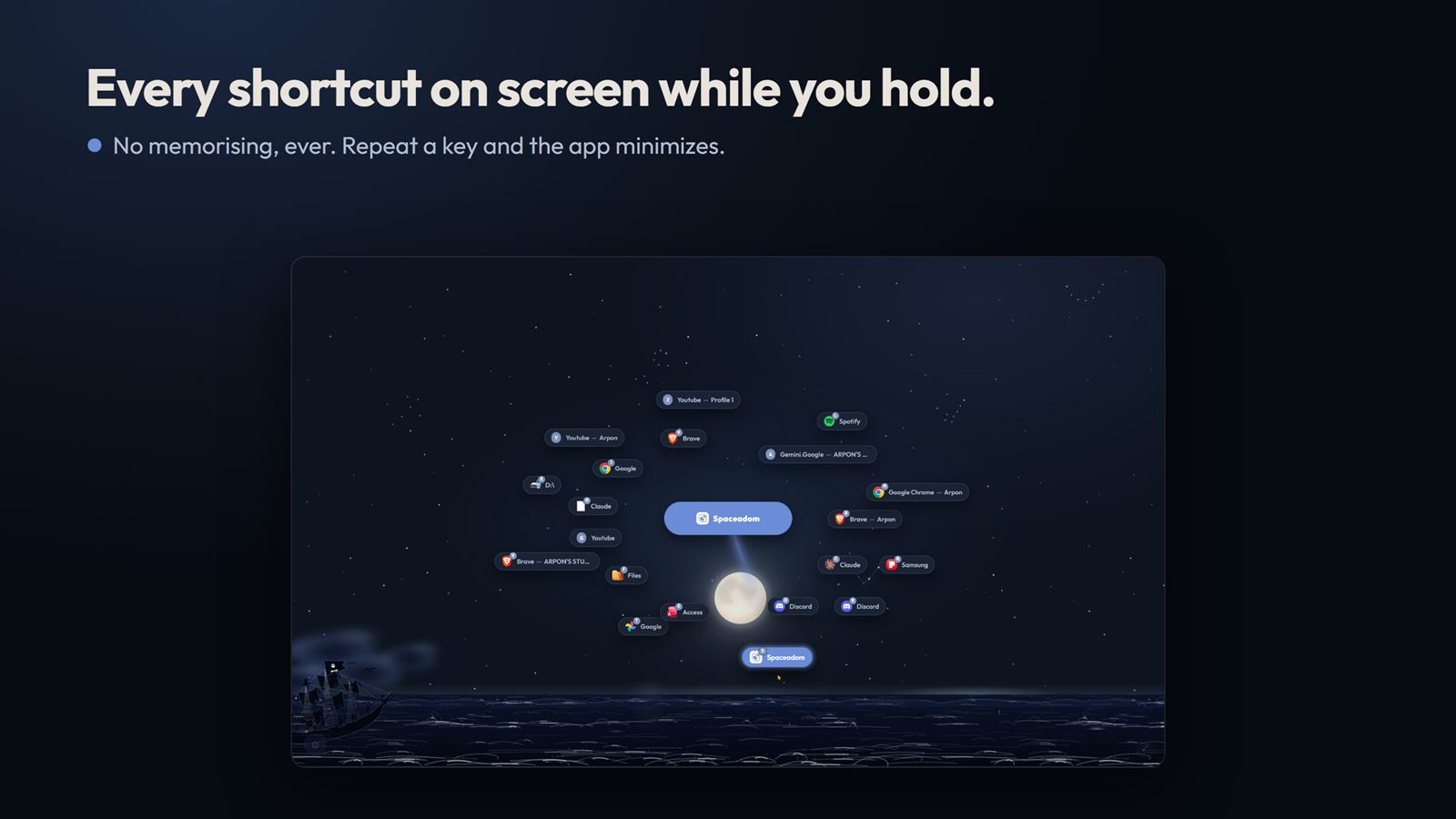
Give every app a letter. Hold Space and tap it: the app opens. Tap again: it tucks away. Once more: it's back. Hiding behind another window? One tap brings it to the front.
Right under the cursor. Drift toward one and let go. The wheel, or your mouse's Back or Forward button — your pick.
A finger on the left edge for brightness, the right for volume, the top to scrub a video. The middle still moves the pointer, like always.
Two monitors? An app you launch lands on the one your cursor is on. Already running? It's brought over.
Work, play, focus. The same 26 letters, three sets of apps. Space + Right Alt switches.
Corner any window, even a fullscreen video, and keep it on top.
Space + Esc hides everything and mutes. Press again and it all comes back.
Fun mode turns the dashboard into a real night: moon phases, constellations, a storm.
Put 2 to 6 apps on one shortcut. One press opens them all, the next tucks them all away, the next brings them back. Side by side or in a grid, on the screen your cursor is on.
A timer, a notepad and a round picture frame, one shortcut away. Pin any of them on top.
Type one sentence and Spaceadom learns your rhythm, so fast typing never fires a shortcut.
Flip between only the speakers or microphones you pick, and a toast names the one you switched to.
Space shortcuts, the guide and now the mouse ring on Apple Silicon Macs, and on GNOME and KDE. Get the betas.
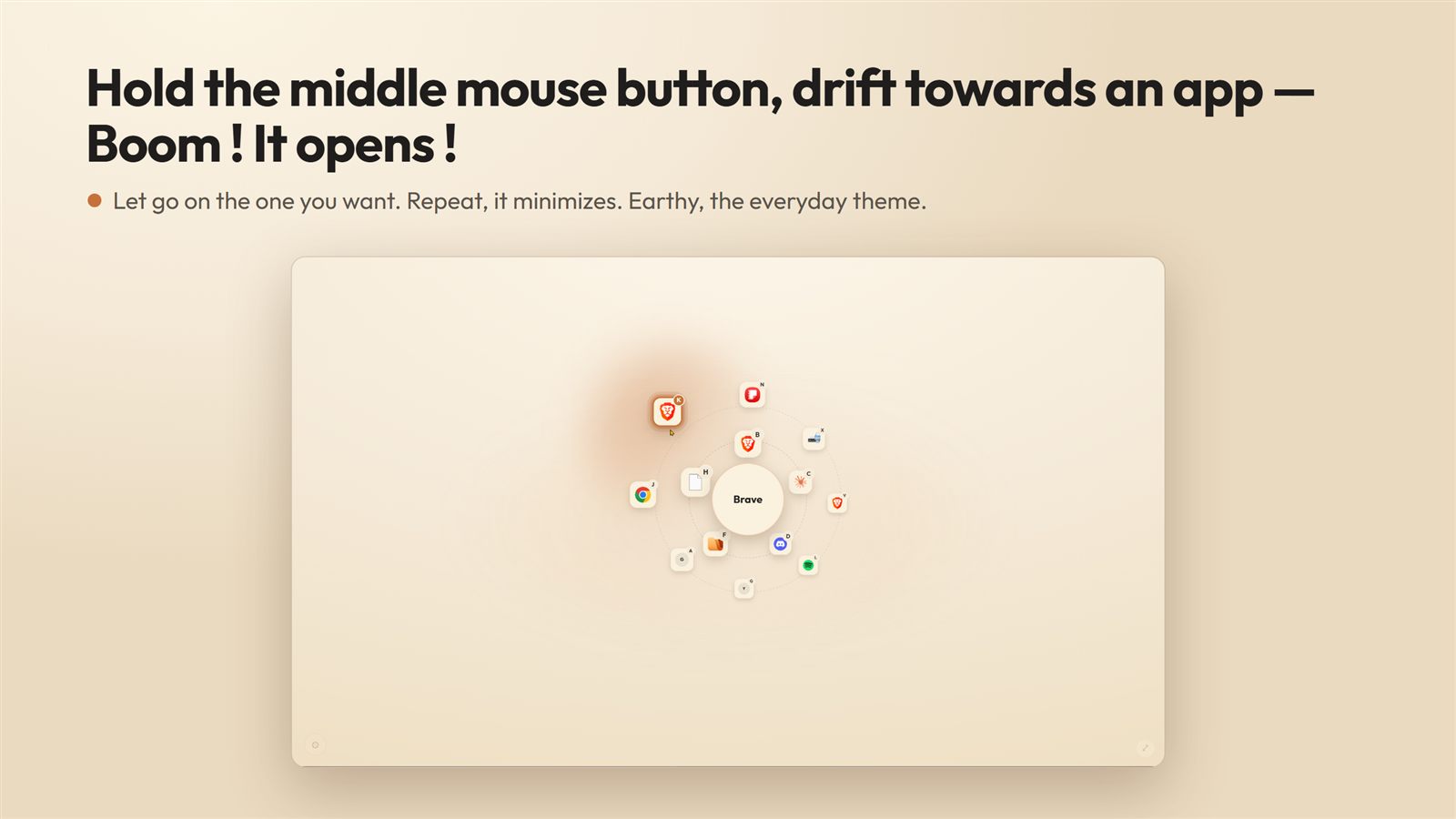
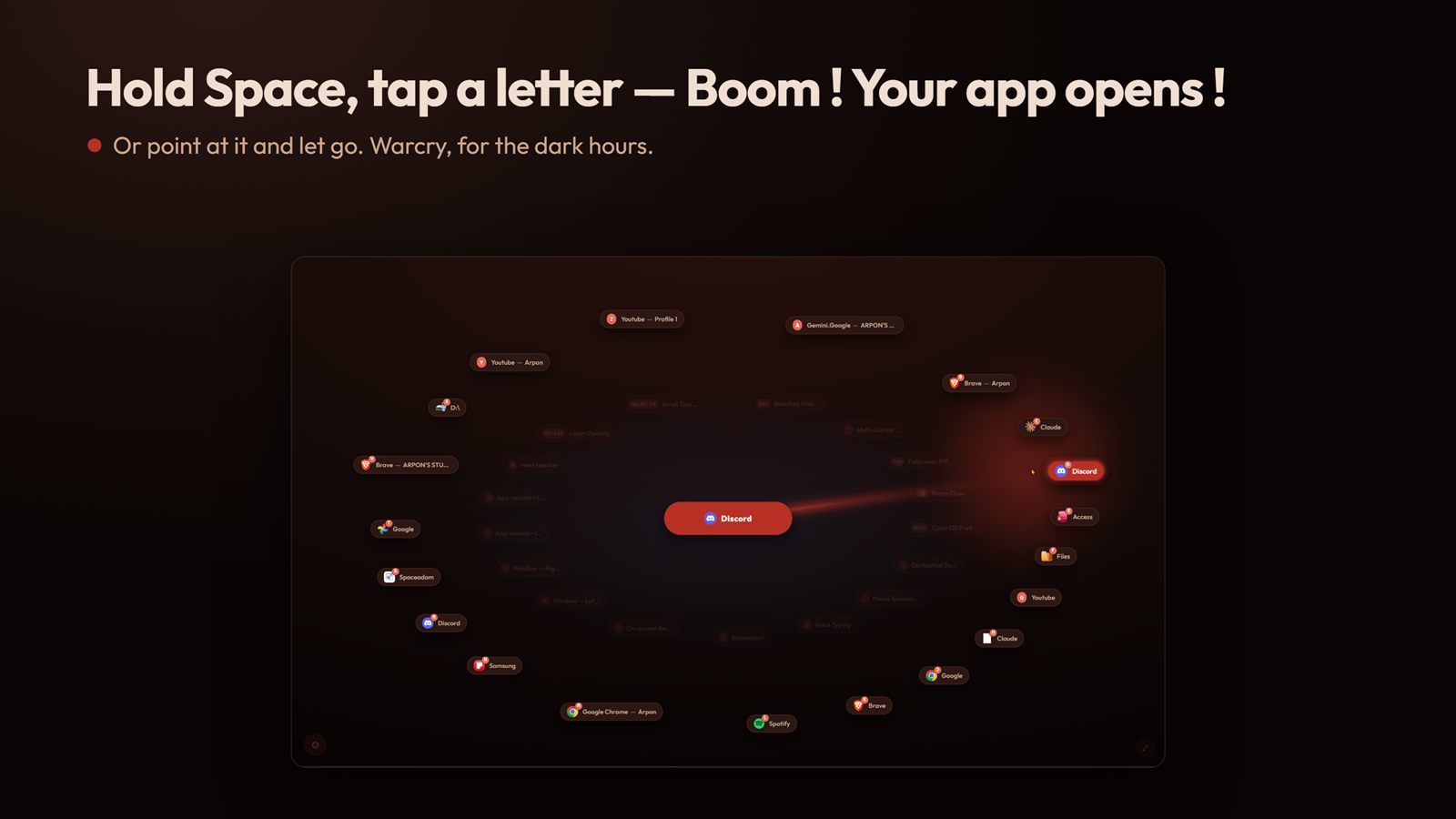
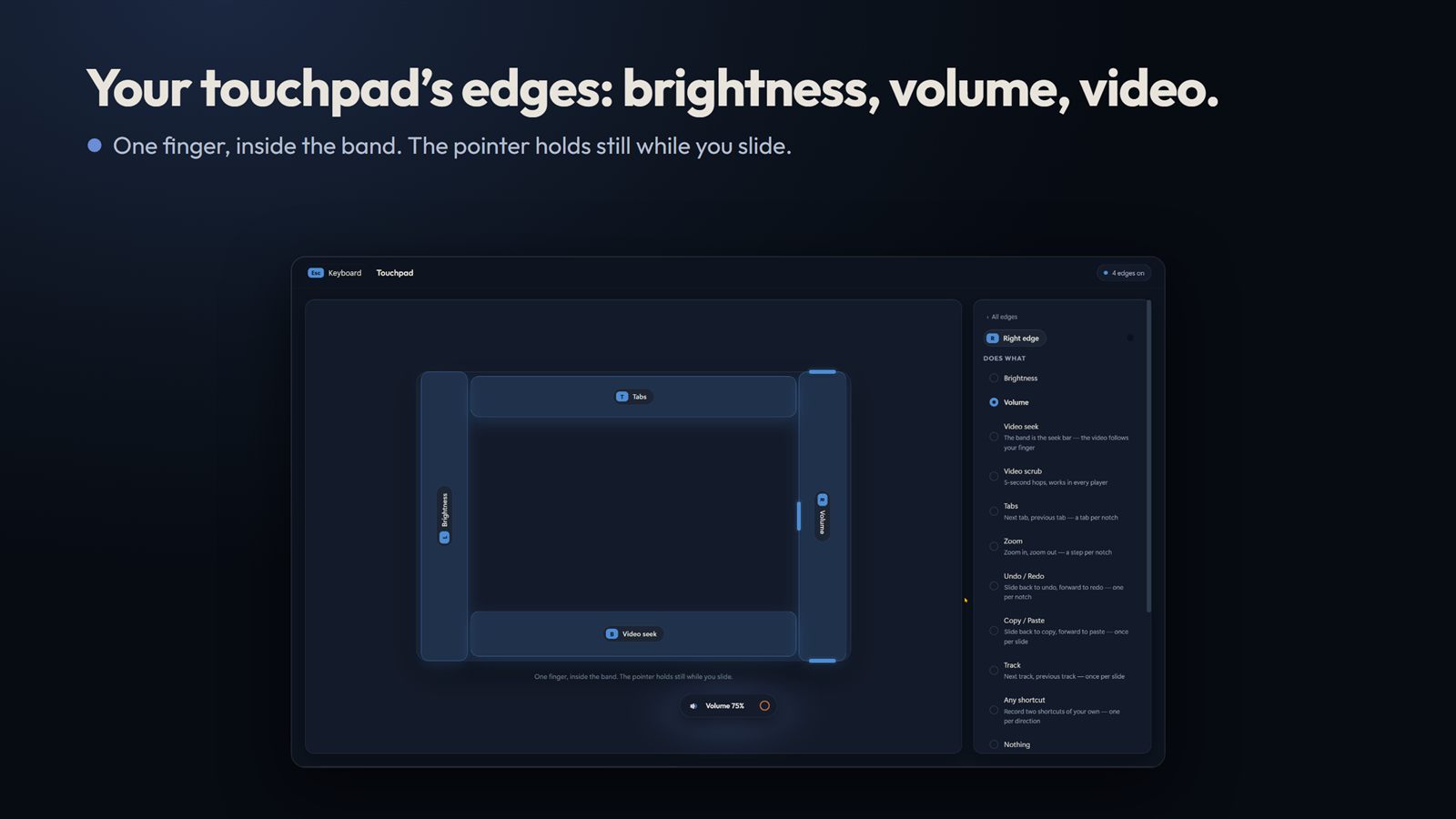
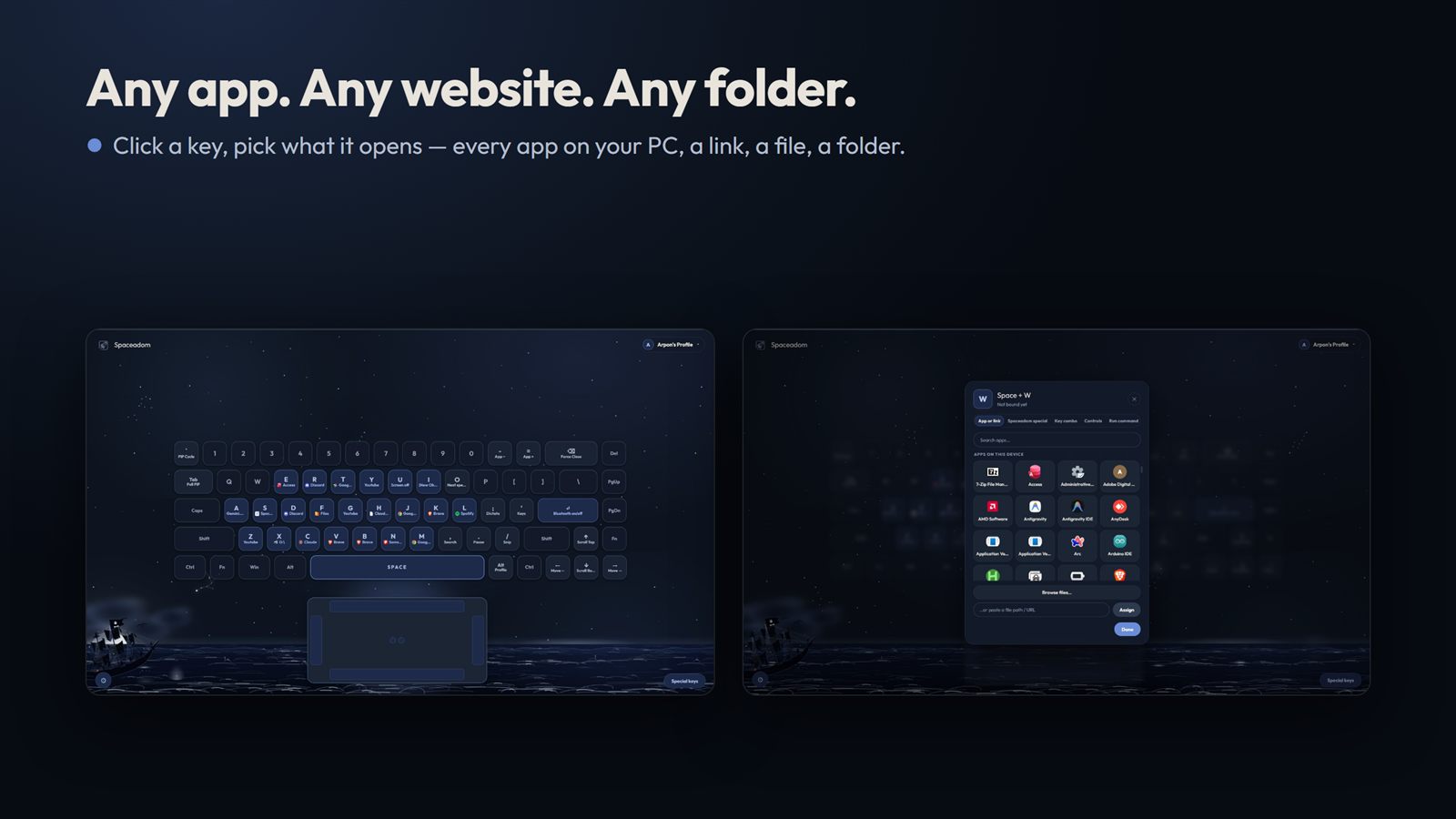
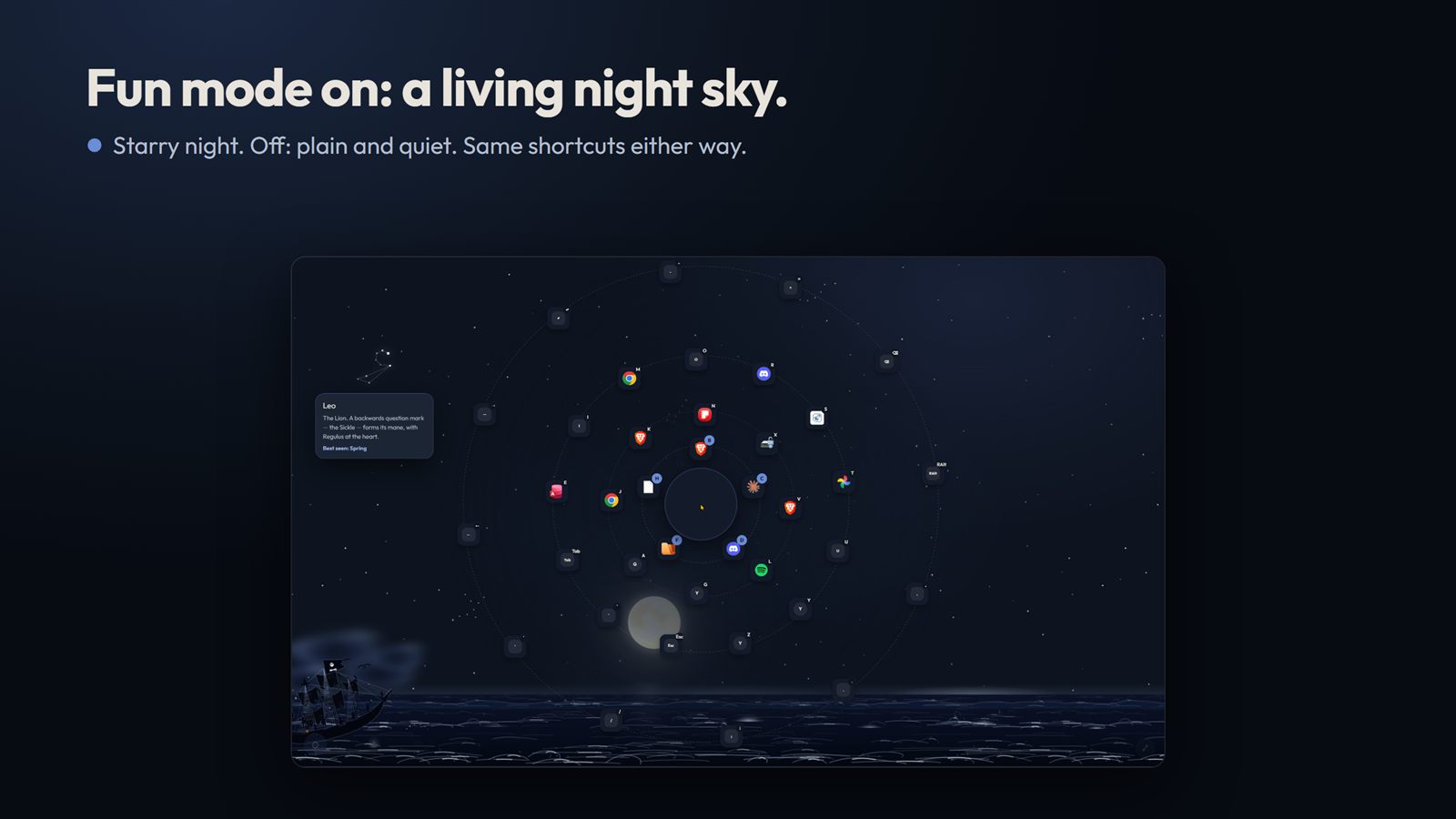
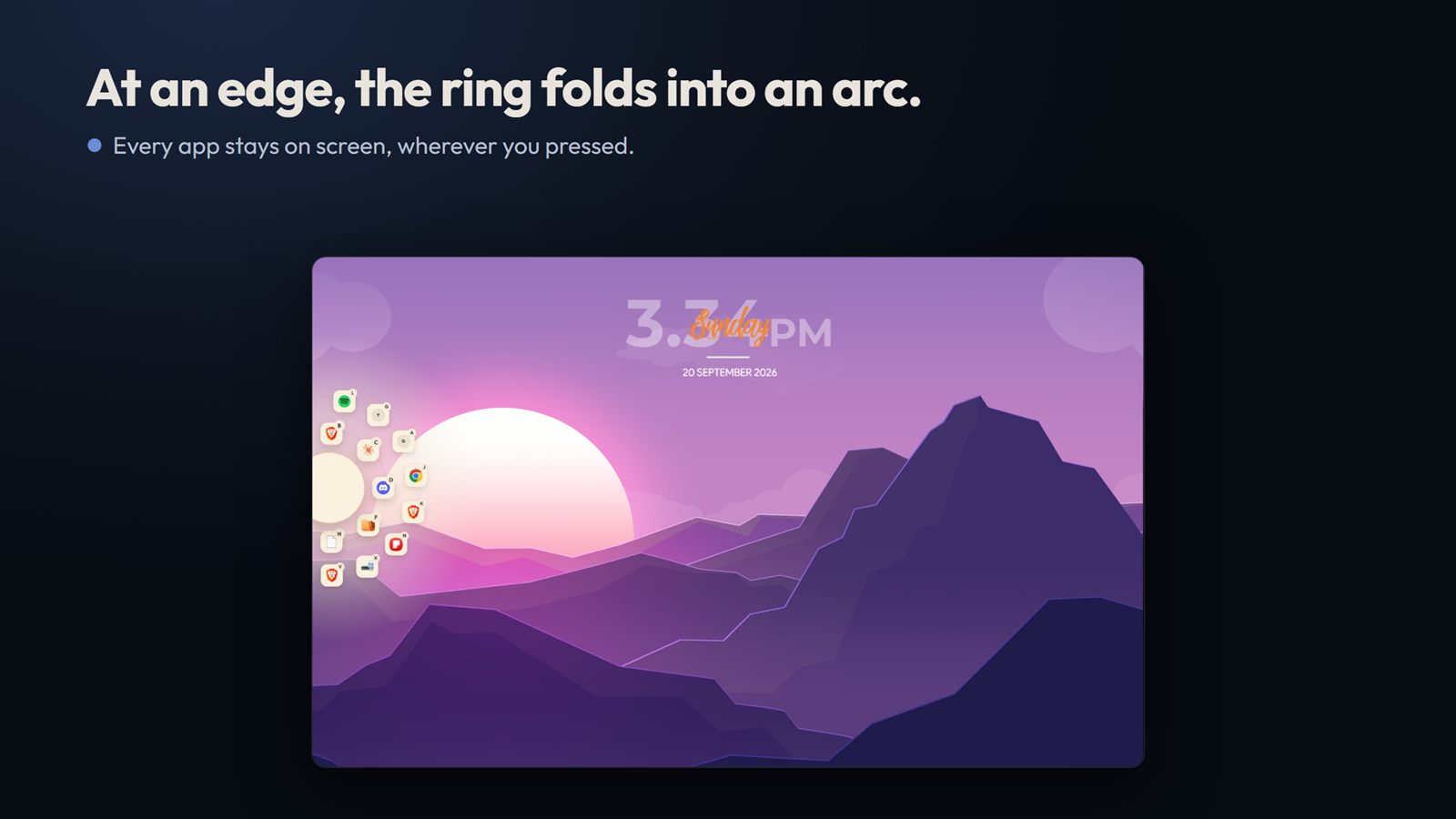
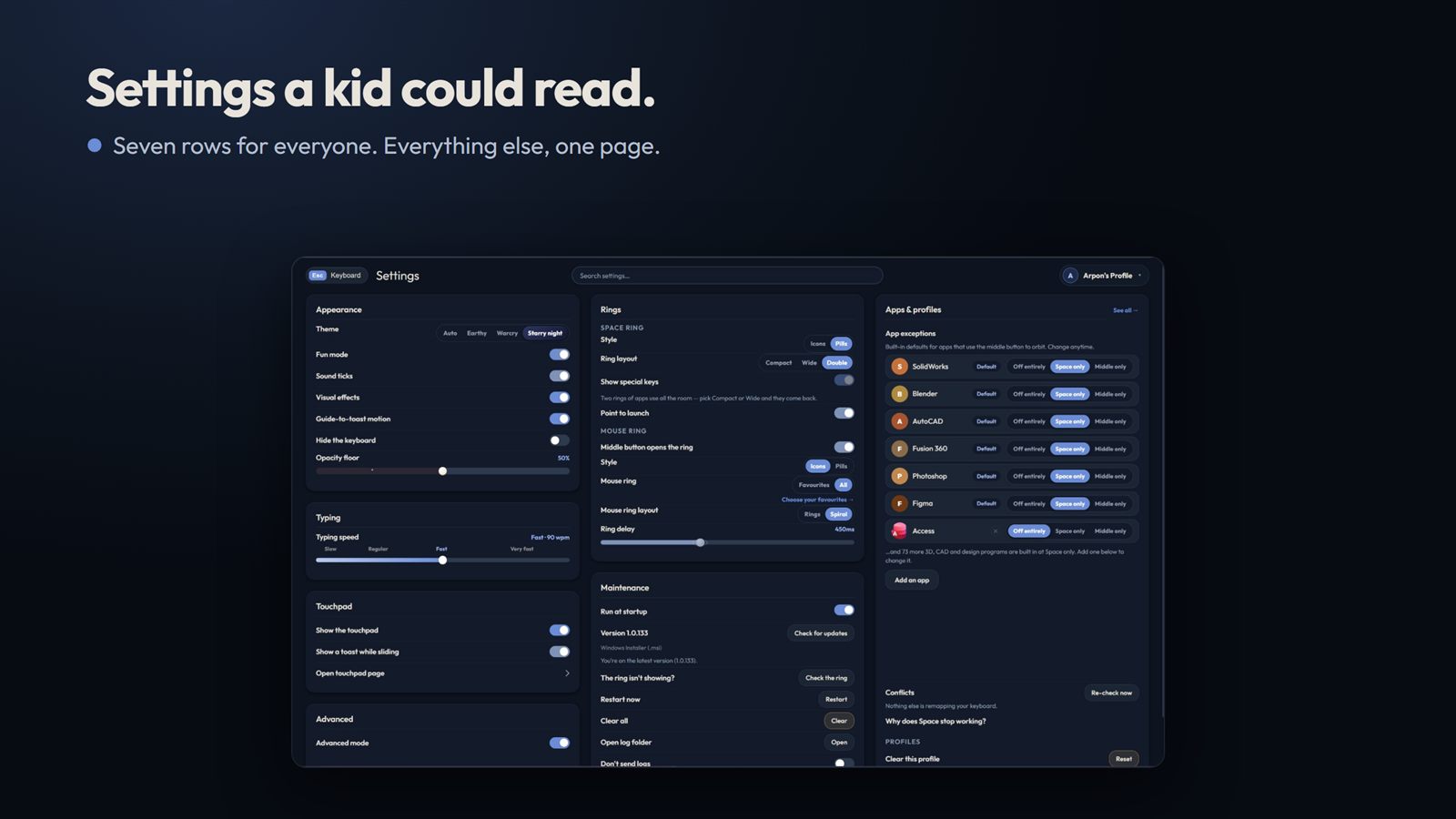
Space shortcuts, app groups, the mouse ring, touchpad edges, little windows and more. Captions on.
No. A tapped Space types a space, exactly as it always has. Only a held Space followed by a letter is a shortcut, and fast typing is always treated as text. You can tune the timing in Settings.
Those are search launchers: you type part of a name and pick from a list. Spaceadom is a chord you learn once. Space+B is your browser, every time, with no typing and no list to read. They work fine side by side.
Yes. No account, no trial, no ads, and no analytics in the app. Get it from the Microsoft Store, or run winget install spaceadom. If you want to say thanks, you can buy me a coffee, but you never have to.
An optional crash report, which you can switch off, and, outside the Store version, a once-a-day update check. Never what you type or what you've bound. The privacy policy lists everything.
Yes. There's a native ARM64 build, and every release is installed and started on real ARM64 hardware before it ships.
Windows is the full app. A Mac beta for Apple Silicon is out now with the Space shortcuts, the mouse ring, the guide and the settings app. A Linux beta for modern GNOME and KDE desktops (Ubuntu, Fedora) is out too.
Free, tiny, and out of your way until you hold Space.
Spaceadom is free and made by student developers. If it saves you time, ☕ buy me a coffee.