What you need
A Windows 10 (version 2004 or later) or Windows 11 PC, x64, with 1 GB free and an internet connection. 8 GB of memory recommended.
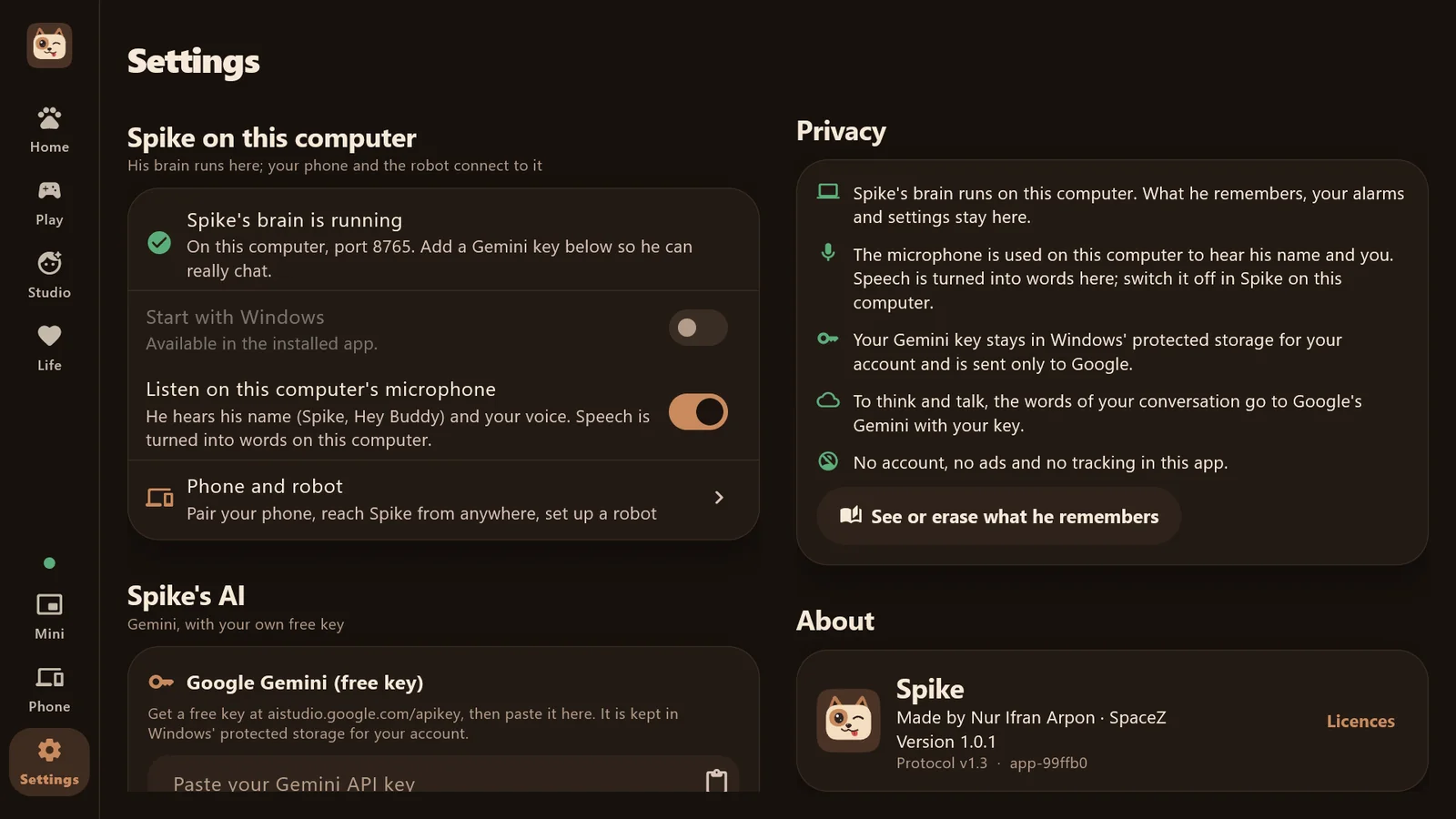
His home on your computer: his face, his chat, his memory and your alarms, with his brain running right there on your PC. Free on the Microsoft Store.
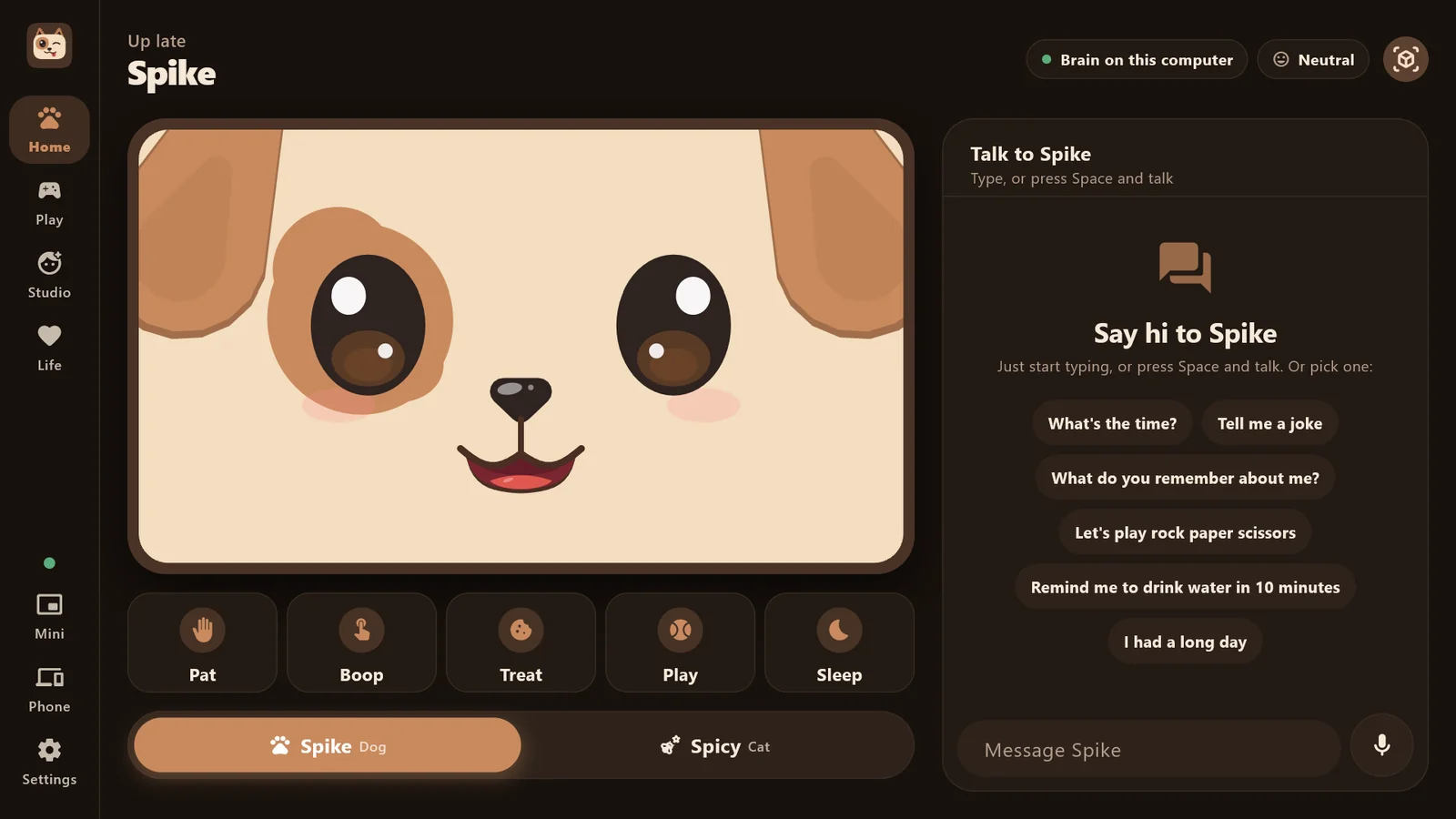
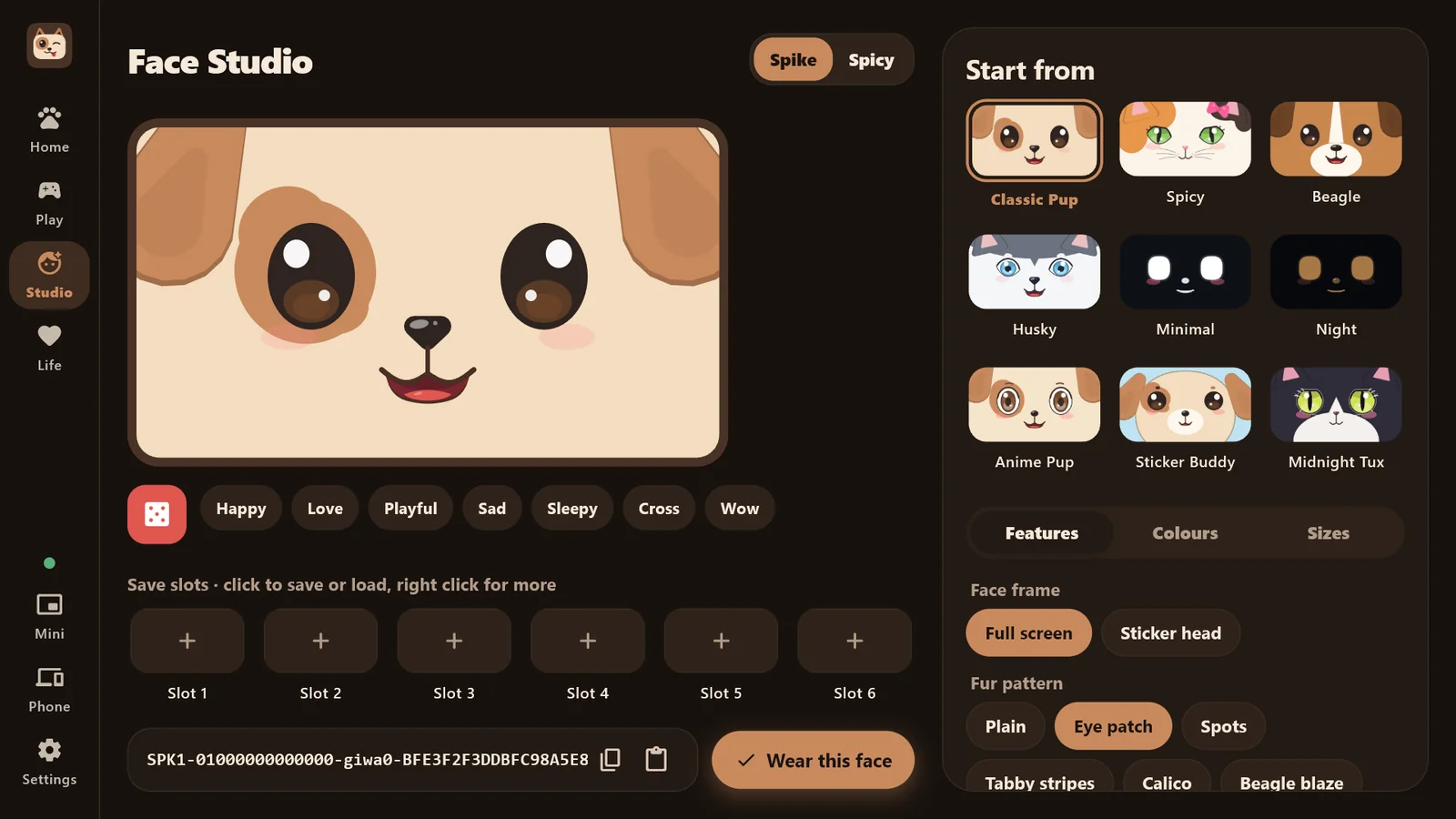
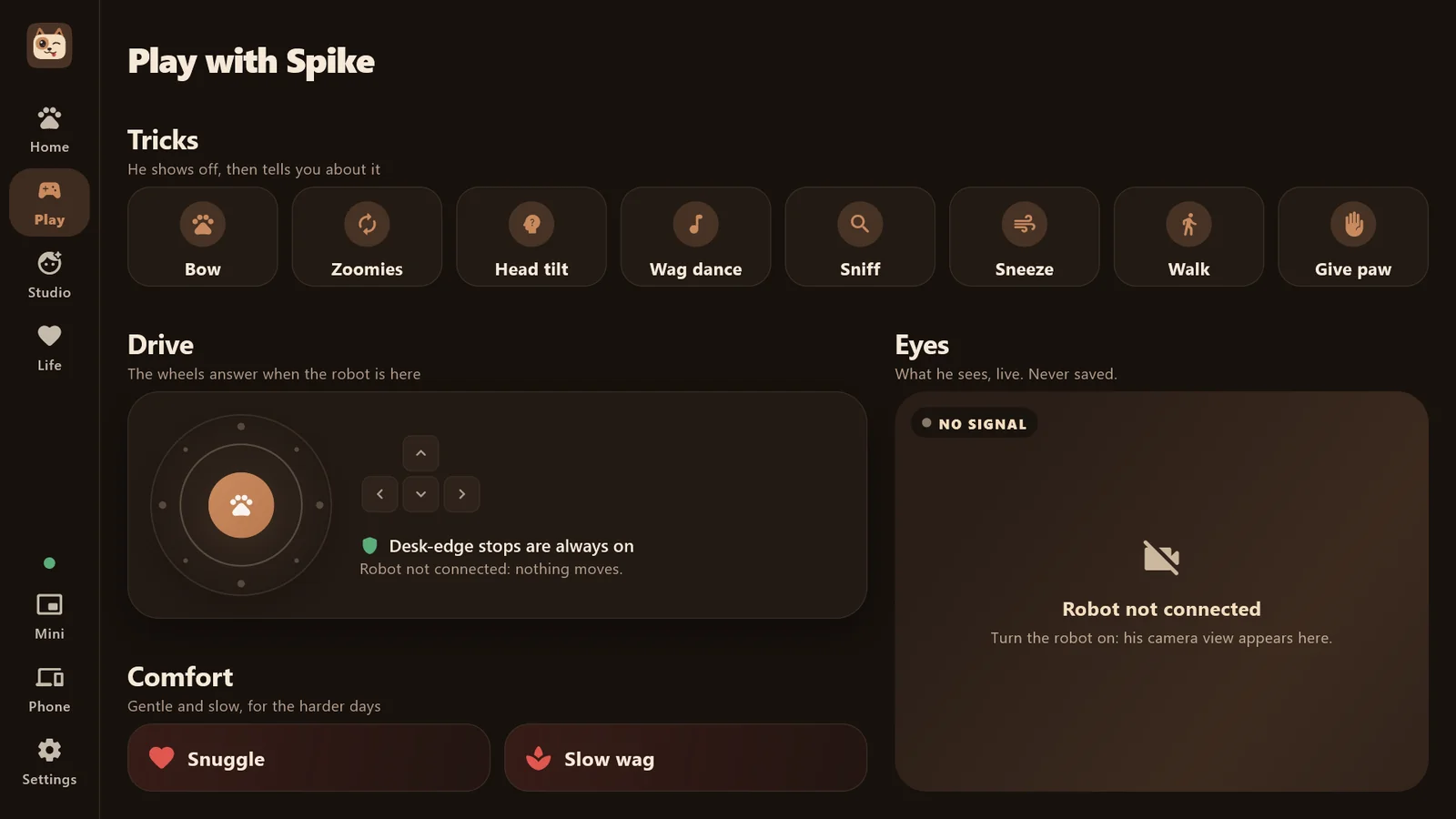
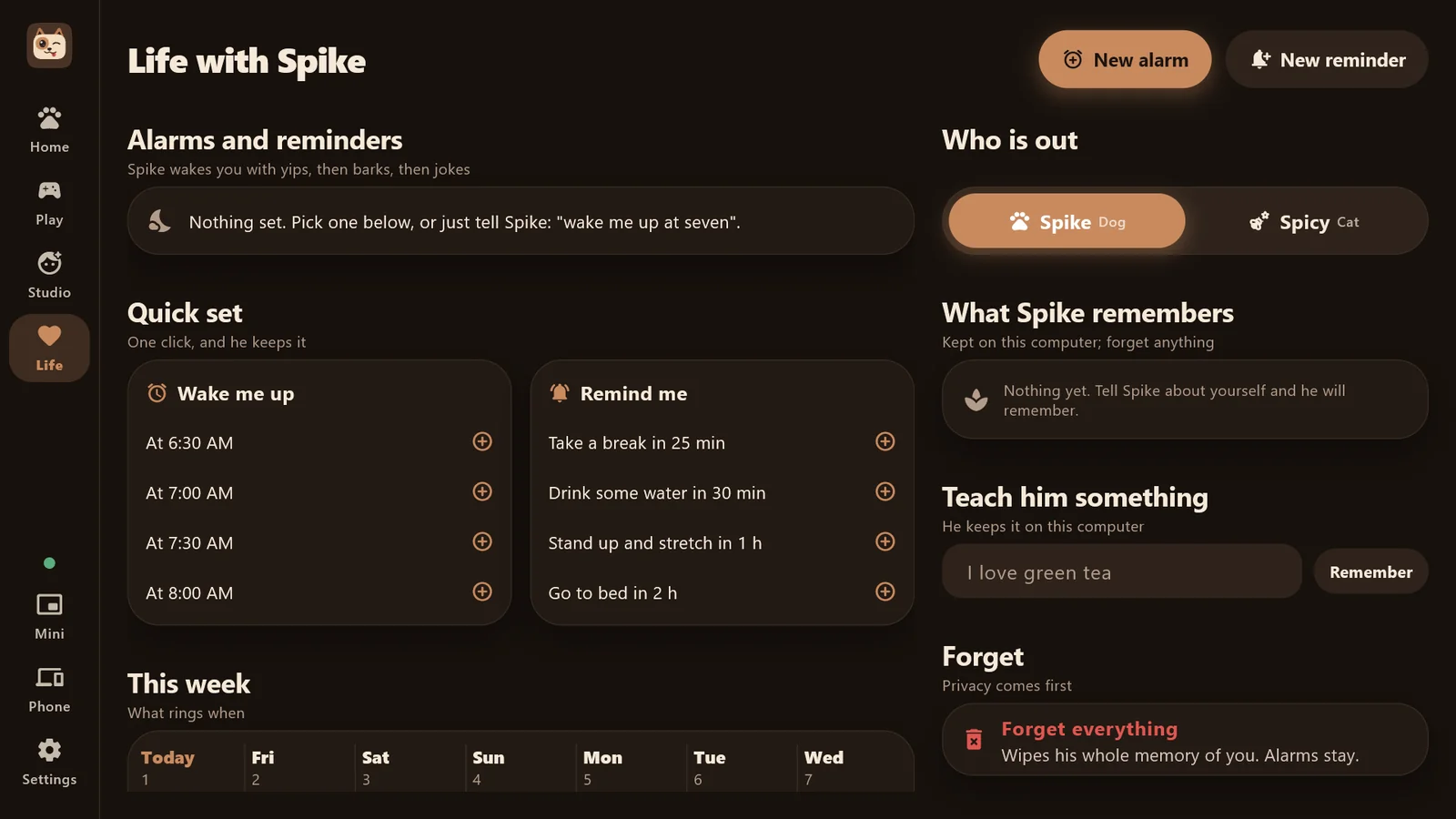
A Windows 10 (version 2004 or later) or Windows 11 PC, x64, with 1 GB free and an internet connection. 8 GB of memory recommended.
Spike thinks and speaks with Google's Gemini, using your own free key from Google AI Studio. The app walks you through it in a minute.
Talk to him with any microphone, or don't: you can always type. Speech is turned into words on your computer.
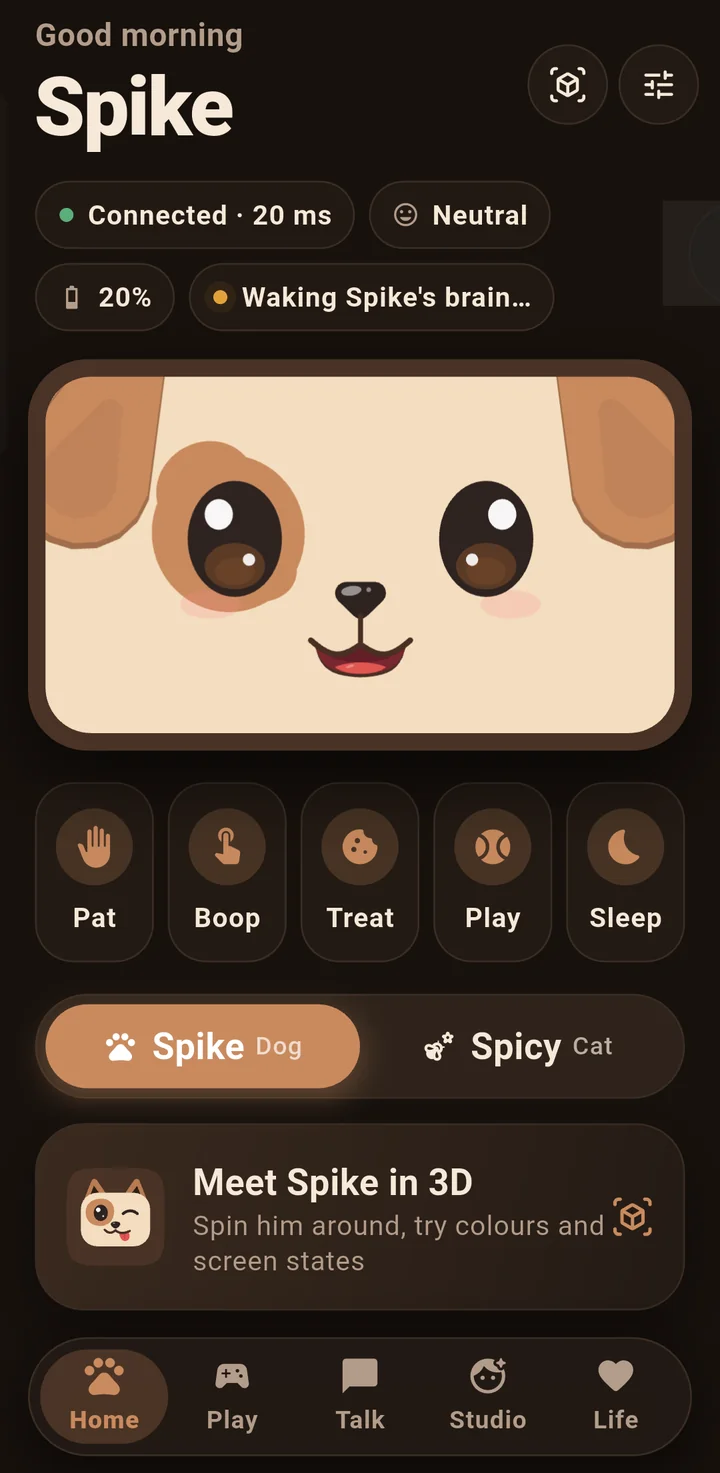
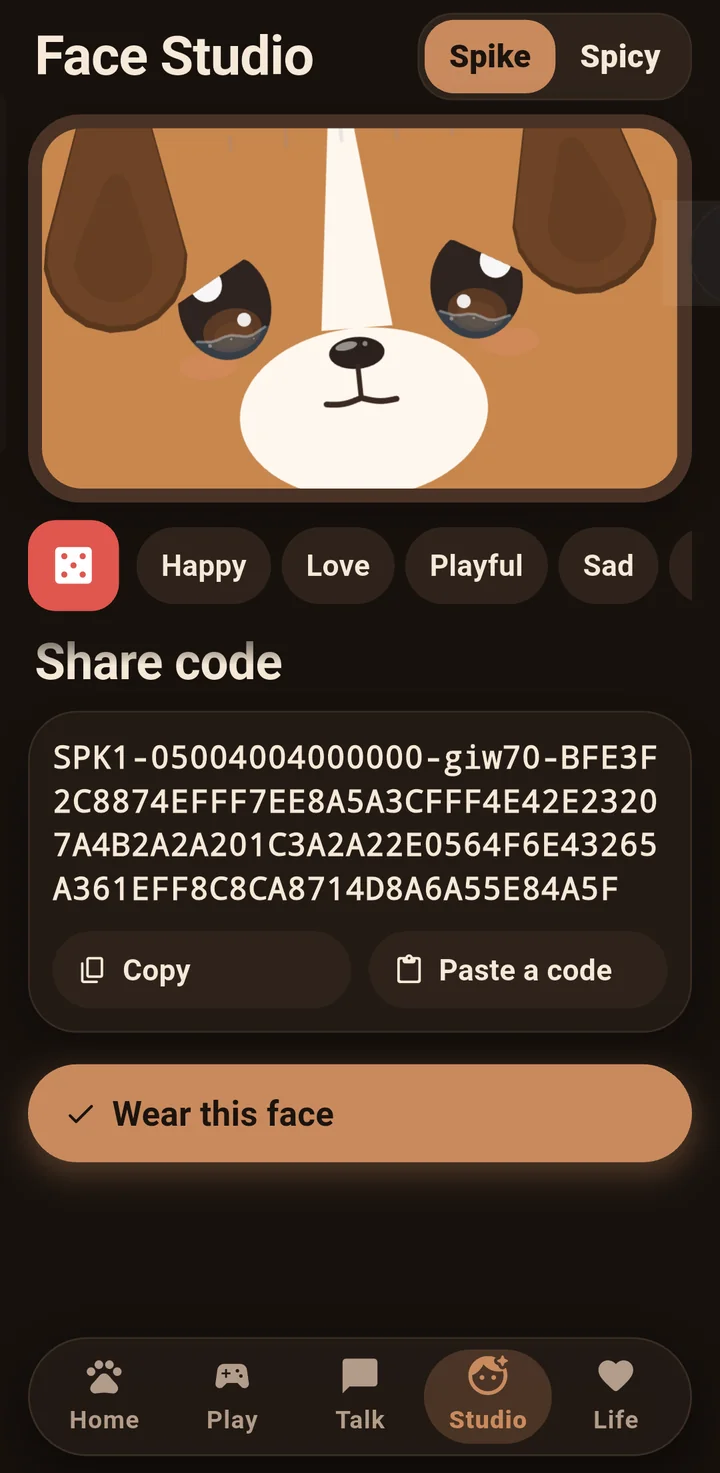
Spike for Android is ready to download. Open it and he is straight there: his face, Face Studio, a pat, a boop.
To update, download the newer file and install it over the top. Your data stays.
Want to check the download? Its SHA-256 is 61664c1dc928207d71642dd32779b57528bf88f26937d16d31ba53575220eac2
Spike is not on Google Play yet, so Google has not scanned it. That is why Android warns you. All releases are on GitHub.

His memories, your alarms and your settings stay on your computer. Your Gemini key is kept in Windows' protected storage and sent only to Google.
Read the privacy policyQuestions, bugs or ideas? Open an issue on GitHub.
Ask on GitHub